

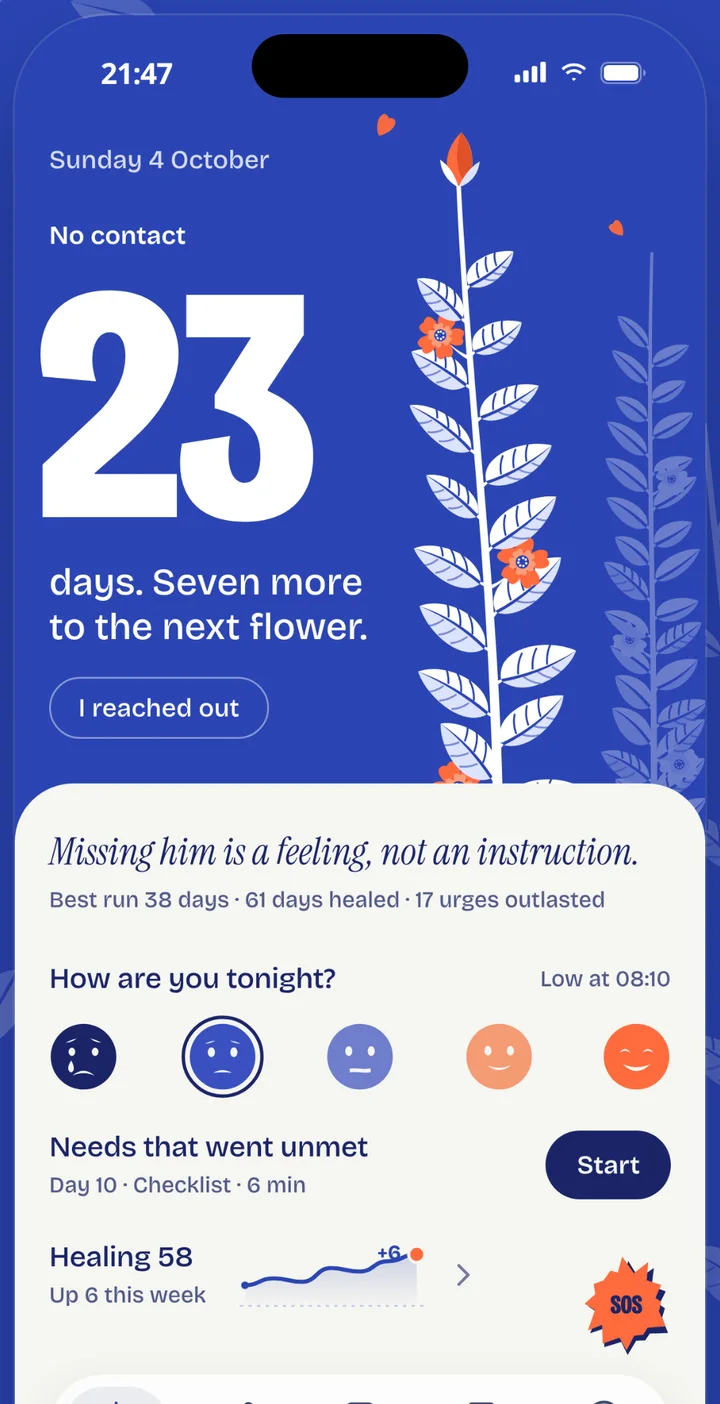
- A No Contact streak that grows a flower
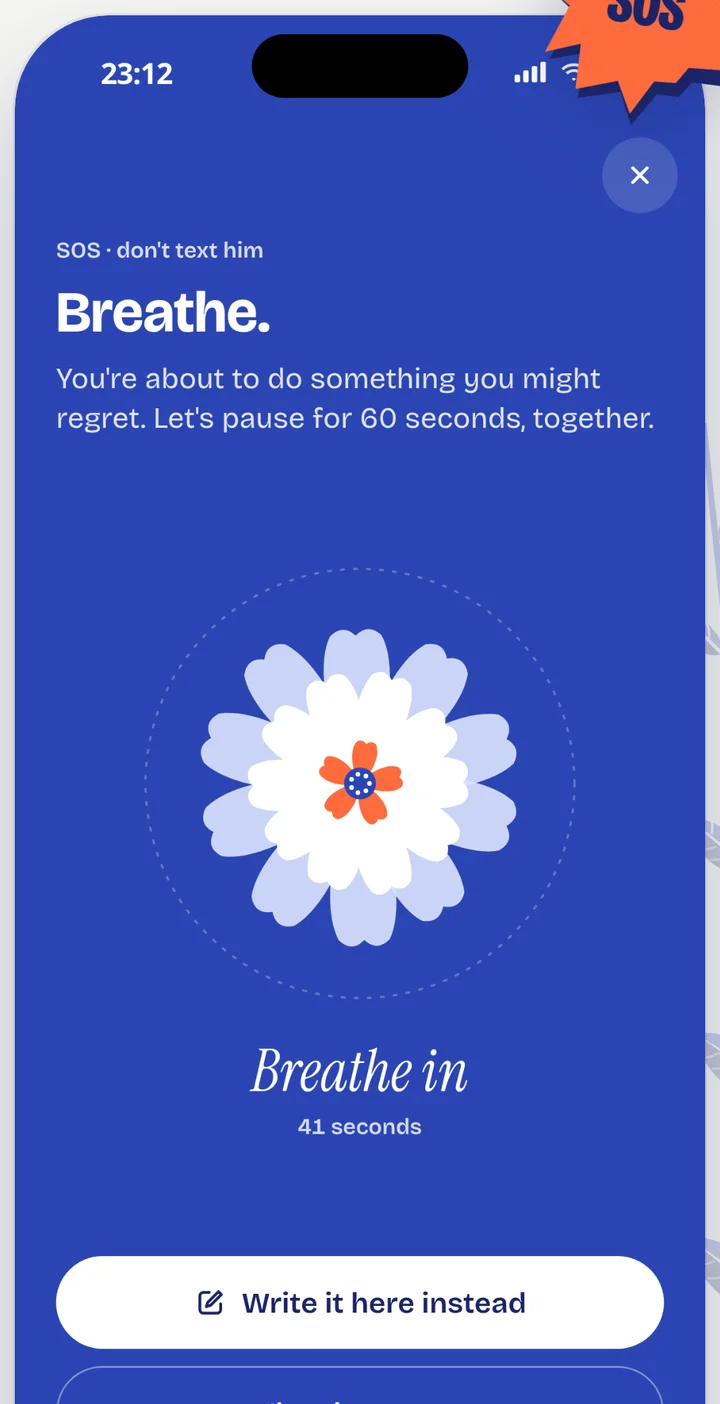
- An SOS that takes 60 seconds
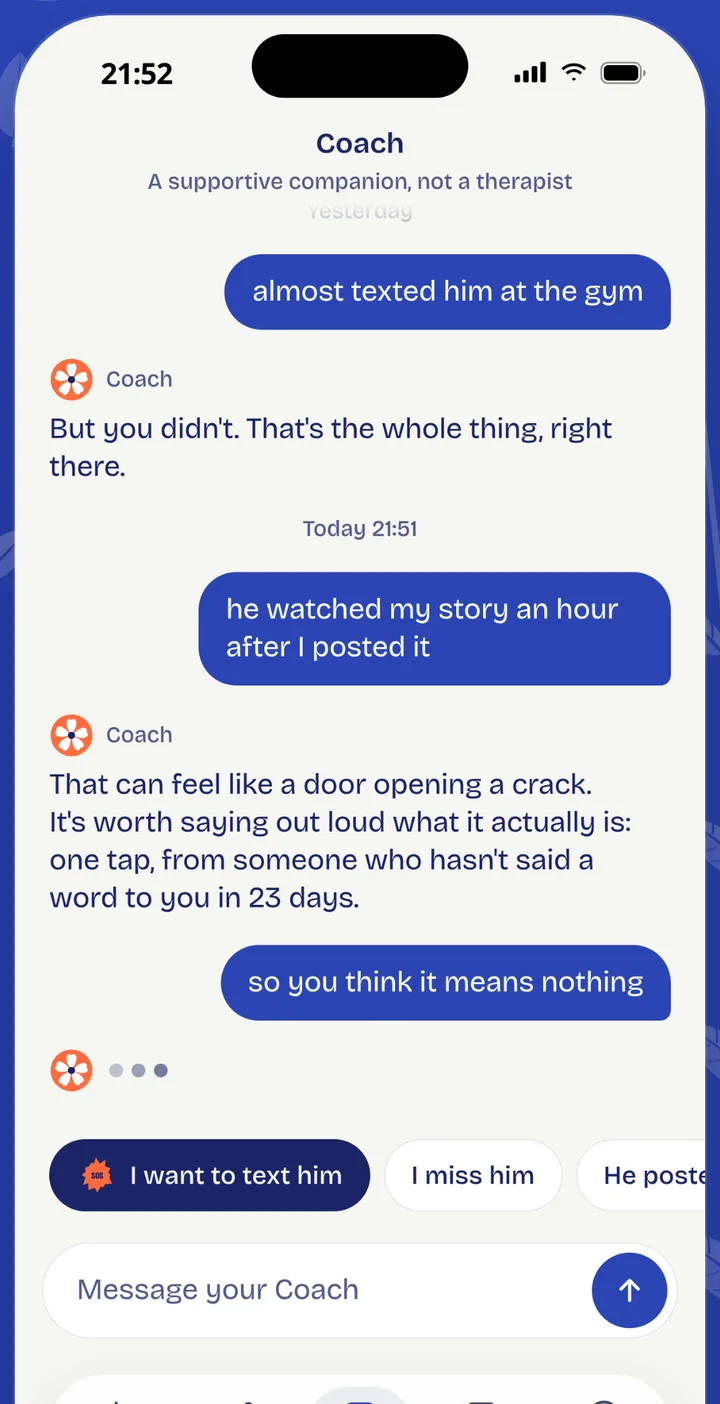
- A Coach awake at 2 a.m.
- A 30-day plan, one small step a day
- Private by design
The 2 a.m. moment
One tap before you text them.
The urge usually passes in a few minutes. SOS gives you something to do with them: a slow breathing orb you can feel in your hand, a place to write the message instead of sending it, and a calm voice that reminds you why you started.
- Breathe with a guided orb and gentle haptics
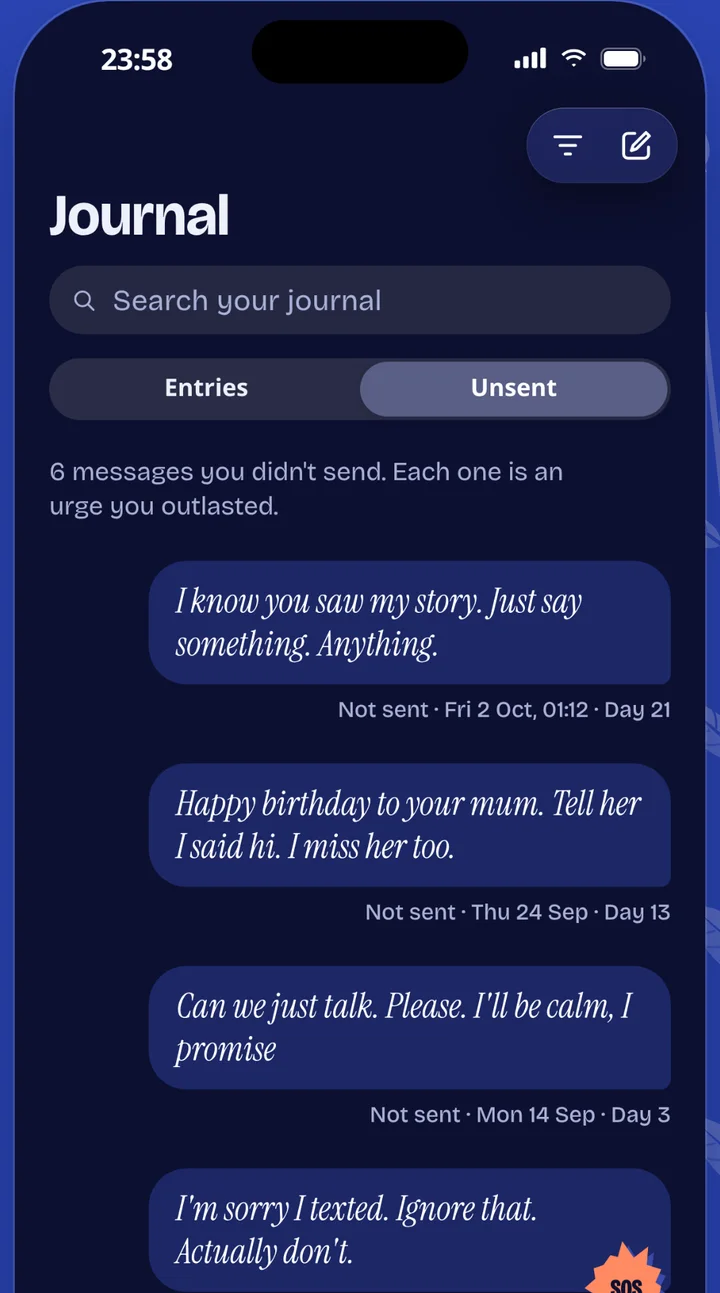
- Write the text, save it, never send it
- Get a short reflection from your Coach (Lumi+)
- Reach it from your lock screen, home screen or app icon
How Lumi helps
Everything you need, and nothing that keeps you checking their profile.
Count the days
Your No Contact streak grows a flower, one leaf a day. Milestones, badges and a quiet reminder of how far you have come. If you slip, Lumi never shames you: you note it and carry on.
Write it. Don't send it.
Every message you did not send is saved in a private vault, proof of every urge you outlasted. Release them when you are ready.
A Coach for 2 a.m.
A warm companion you can talk to any time. It is powered by a trained language model, not a person, and it is not a therapist. It remembers what matters to you, if you let it.
Say it all. It stays yours.
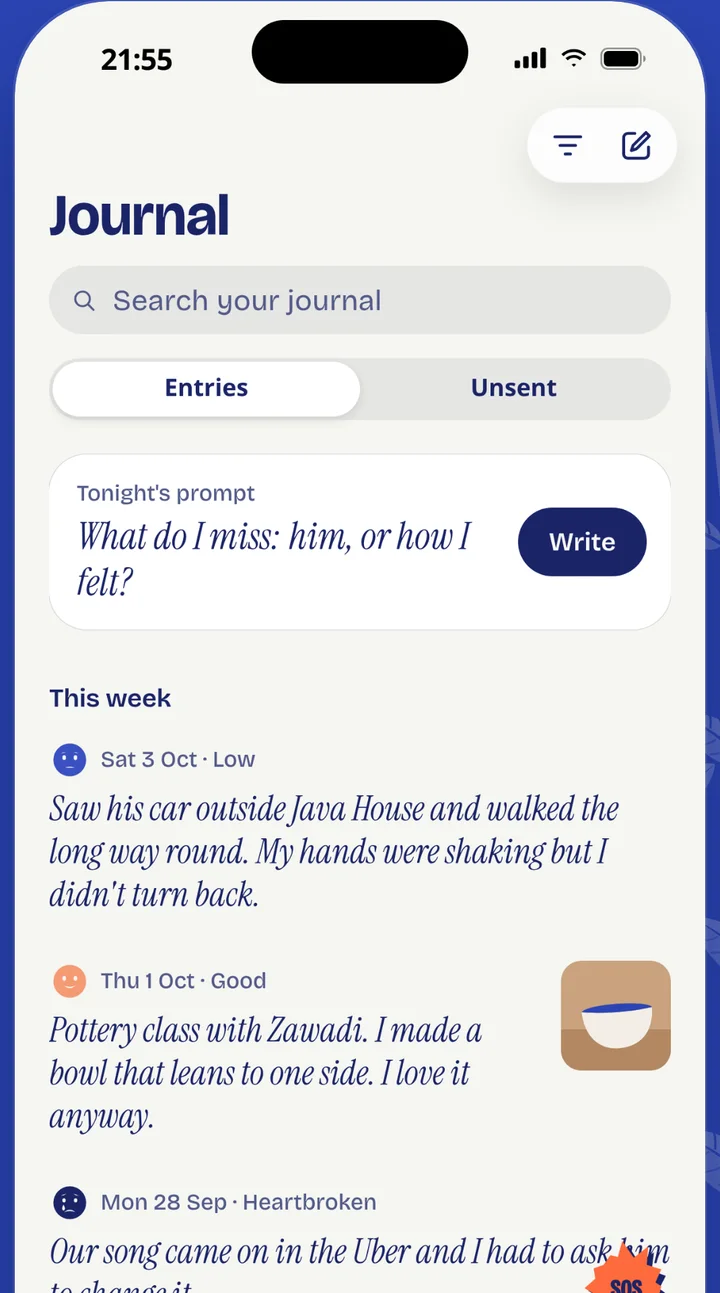
A private journal with prompts, moods, photos and voice notes. Lock the app behind Face ID or your passcode.
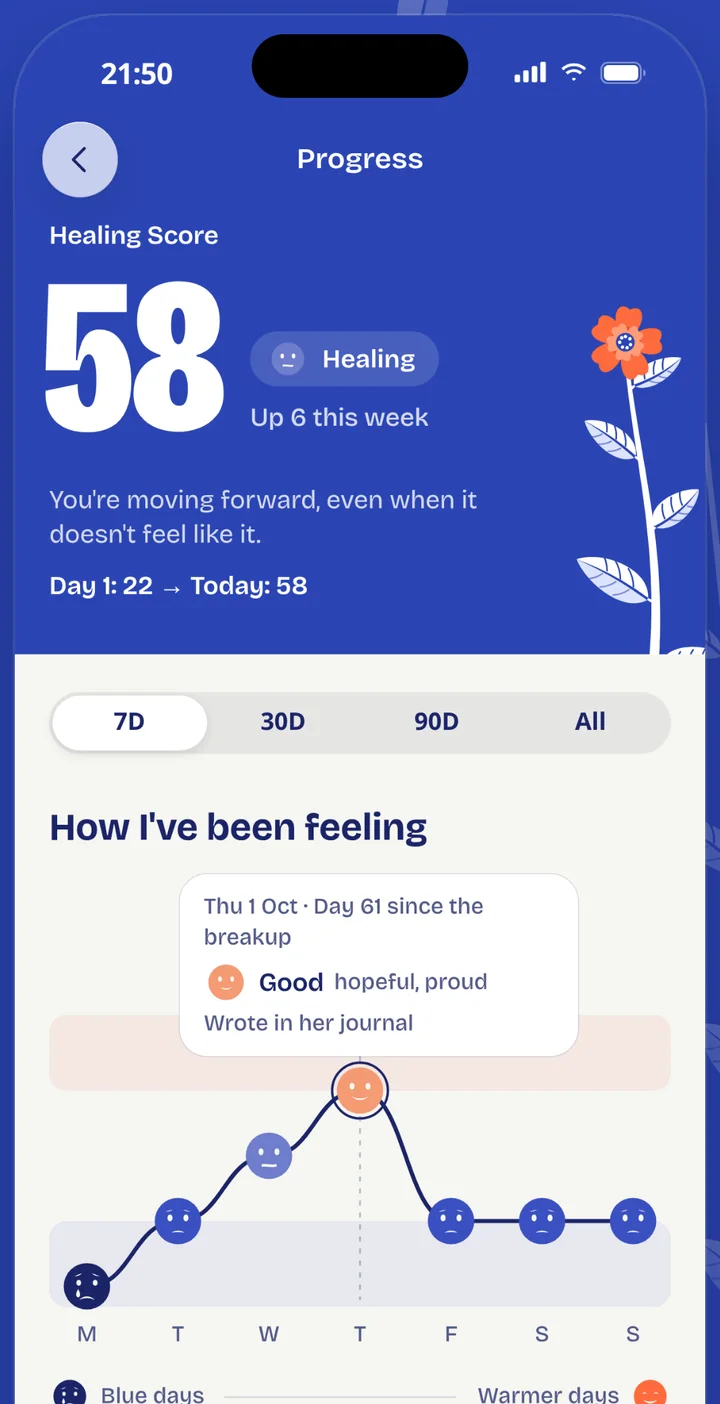
See the hard days get lighter
Your Healing Score, moods and urges, drawn so you can see the shape of your progress, even on a day it does not feel like it.
Tools for the tricky bits
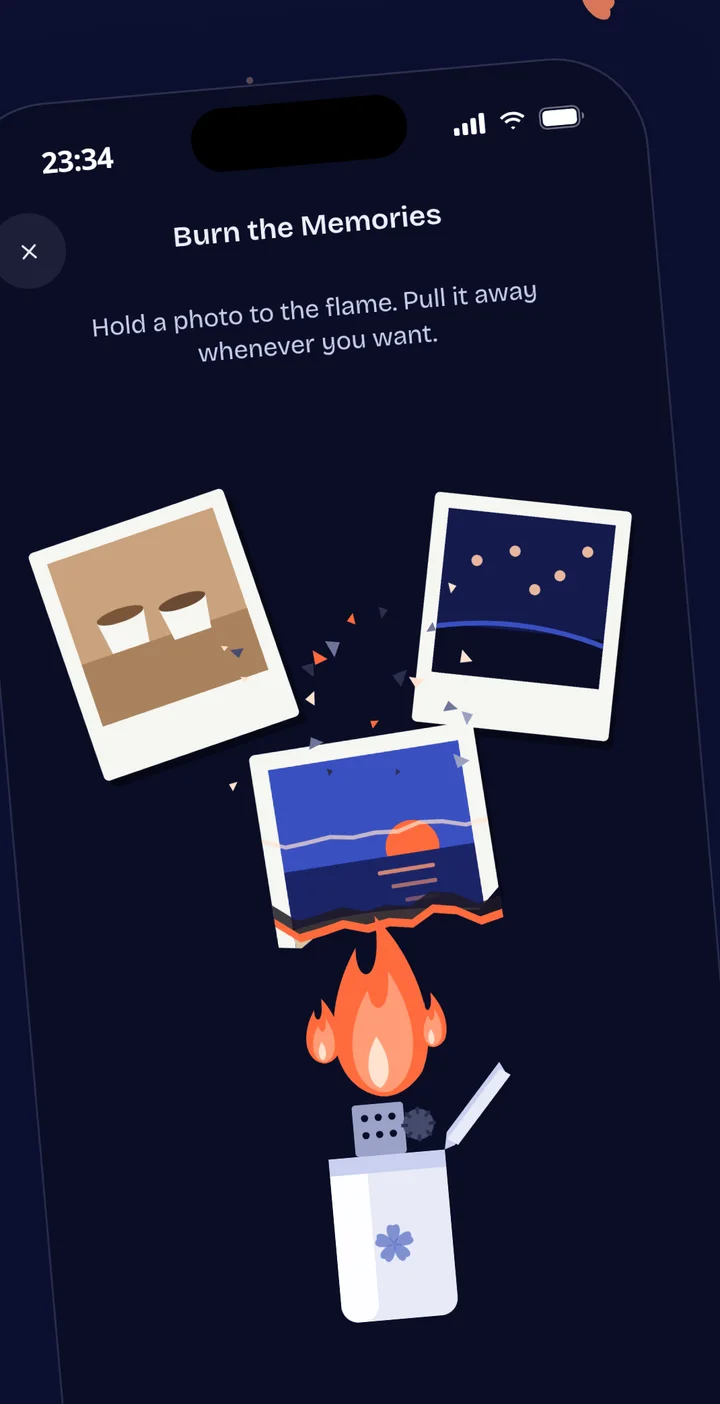
Reality Check for the rose-tinted memories, a Social Detox checklist, a Closure Letter you never send, and Burn the Memories, a ritual that stays on your phone.
The Coach is a trained language model. It can be wrong, and it cannot replace a doctor, a therapist or a friend.
The 30-day Journey
One small step a day. Thirty days from now, a different week.
Each day is a short task you can finish in minutes: a reflection, a reality check, a message you write and keep, a boundary you set. The first three days are free.
Scroll to grow the flower
Day30
Rebuild
Plan a life you are looking forward to.
App lock
Face ID, fingerprint or passcode before Lumi opens.
Discreet mode
Widgets and notifications that never say who or why.
Photos stay put
In Burn the Memories, your photos never leave your phone.
Delete it all
Delete your account and everything in it from inside the app.
Gift Lumi+
Send someone a way through.
A friend, a sister, a colleague who has gone quiet. A gift of Lumi+ is a week, a month or a year of the full app, from you, with a note if you want to write one.
How gifting works
Choose
In Lumi, tap Gift Lumi+ and pick a week, a month or a year.
Pay once
You pay with your Apple account, one time. Nothing renews.
Share the link
Lumi gives you a private link. Send it in any chat, with a note if you like.
They accept
They open the link, create a free account or sign in, and tap Accept. Lumi+ starts for them right away.
- They only see your first name and your note. Never your email or anything else about you.
- If they already have Lumi+, the gift is added after it ends, so no time is wasted.
- A link works once. Share it only with the person it is for.
- You cannot redeem your own gift.
Questions people ask
Is Lumi free?
Yes to download. You can use the No Contact streak, SOS, daily check-ins, the journal, the first three days of the Journey and a few Coach messages a day for free. Lumi+ is an optional subscription that unlocks the full Journey, a longer Coach, reflections, the Closure Letter, Burn the Memories, the full progress charts and all widgets. Prices are shown in the app before you buy.
What is the No Contact rule?
It means not texting, calling, watching or following your ex for a set period after a breakup, so you can feel what you feel without new hurt arriving every day. Lumi counts the days, helps with the urges and does not judge a slip.
Is Lumi therapy?
No. Lumi is a self-help companion with tools, a journal and a Coach. The Coach is a trained language model, not a person, and it can make mistakes. If you are struggling, please talk to someone you trust or a professional.
Who can see what I write?
Only you. Your journal and unsent messages are tied to your account and are not shared or sold. Photos you use in Burn the Memories never leave your phone. You can lock the app and delete everything at any time.
What if I text them anyway?
It happens, and it does not erase your progress. Tell Lumi, note how it felt, and carry on. Lumi is built to be kind about slip-ups.
Is Lumi only for women dating men?
No. Lumi is for anyone getting over an ex. You choose how Lumi refers to them: he, she or they.
How do I cancel Lumi+?
Open Settings on your iPhone, tap your name, then Subscriptions, choose Lumi and tap Cancel. You keep access until the end of the period you paid for.
How do I gift Lumi+?
In the app, tap Gift Lumi+, choose a week, a month or a year, and pay once. You get a private link to send to them. See the steps above.
Is there an Android app?
Android is on the way. Right now Lumi is on the App Store for iPhone.
How do I delete my account?
In Lumi, open your Profile, then Privacy and security, then Delete account. Everything is removed. You can also email us from the address you signed up with.
If you are in crisis
Lumi is a self-help companion. It is not therapy, medical advice or an emergency service. If you might hurt yourself, or you are in danger, contact your local emergency number now, or find a free helpline in your country.